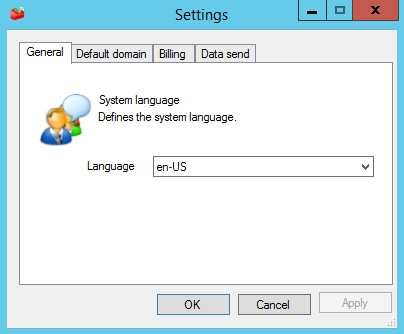
Select the language that will be displayed on the n-MF Kyocera administration interface.
-
Go to the Tools menu
-
Click on Settings > General tab
-
Select the language
-
Click OK

Select the language that will be displayed on the n-MF Kyocera administration interface.
Go to the Tools menu
Click on Settings > General tab
Select the language
Click OK