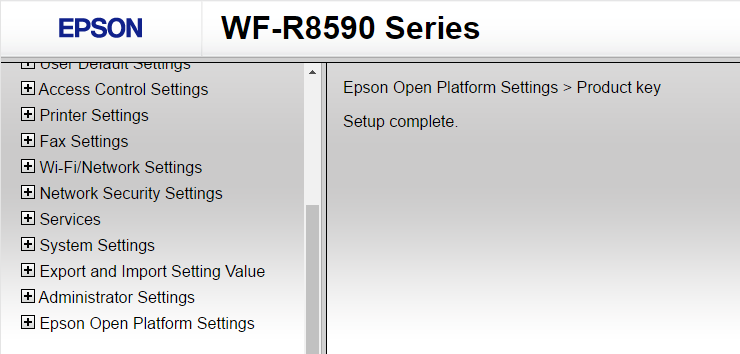
In this article, you will learn how to activate and configure the Epson Open Platform for use with NDD Print MF and Client Epson.
Before you start
-
This configuration should only be carried out before adding the device to NDD Print MF Epson.
-
Go to the EPSON website
-
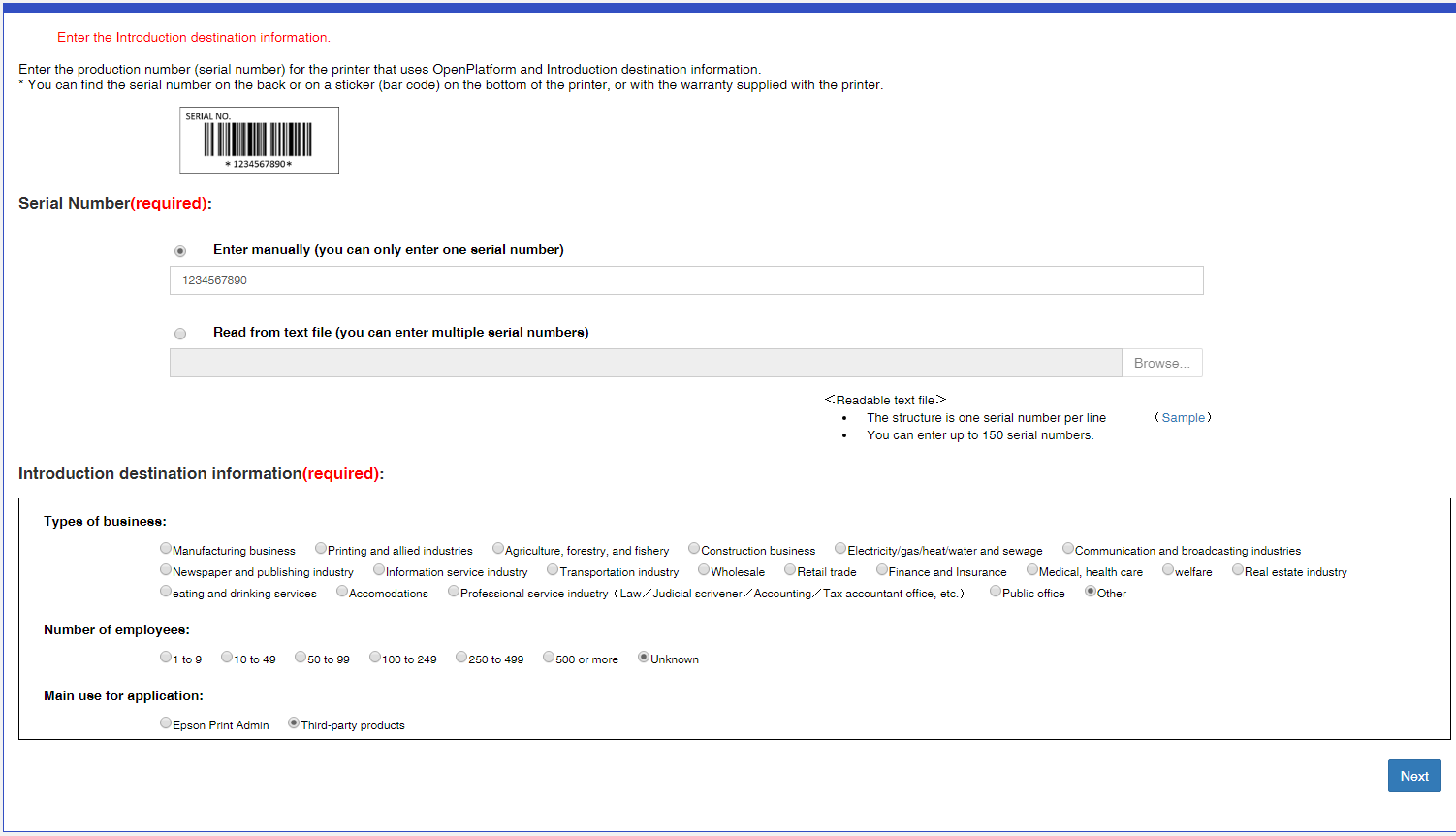
Input the serial number of the printer you wish to create the EOP Activation Key
-
Fill in the destiny data that the page asks and in the item Main use of the application, select Third-party products
-
Click Next
-
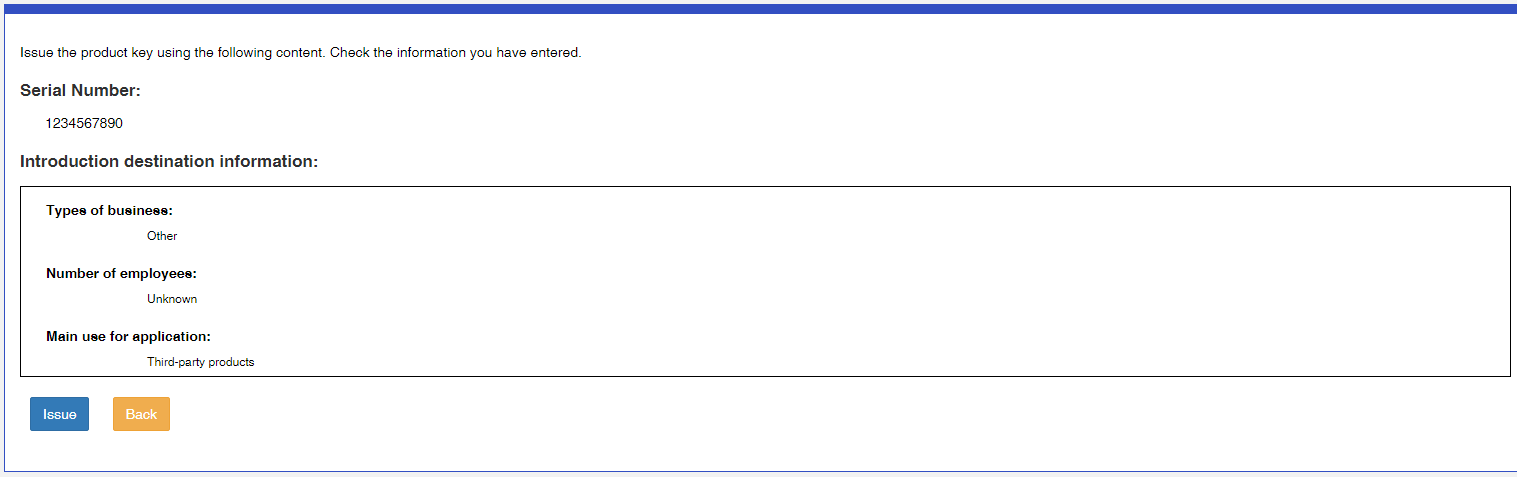
Check if the data are correct and click Emit
-
Following, copy the key from the field Product Key
psjr-5c6b-hy8g-hbhq-6cjs;
-
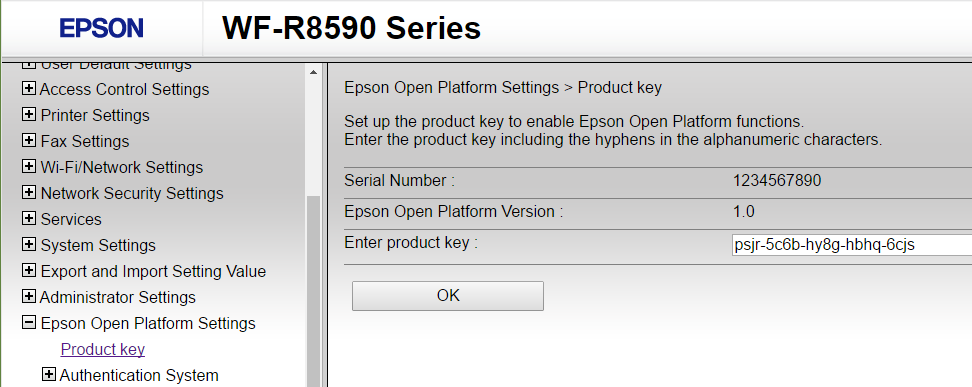
With the product key, open the printer's browser as administrator and access the path Epson Open Platform > Settings > Product Key
-
Paste the product key and click OK
-
A success screen will be shown. Restart the printer and register it in the NDD Print MF Epson