
This functionality is only available from version 5.25 of NDD Print MF HP.
Objective
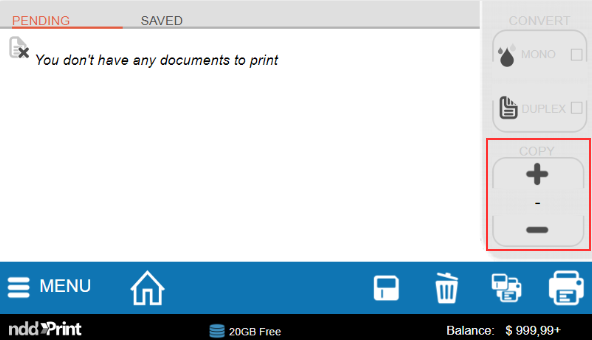
Not to allow users to make more than one copy per printed document.
Before starting
The configuration will be applied to all printers registered in NDD Print MF HP.
Instructions
-
Access the Windows registry
-
Navigate to the address Computer\HKEY_LOCAL_MACHINE\SOFTWARE\NDDigital\nddPrint\MF\HP
-
Create a new DWORD key with the name DisableCopyNumberSelectionFromClient
-
Fill in the key value as 1
-
Click OK
To re-enable the copy number option, simply change the key to 0 or remove it.
Related pages