
Objective
To use the RFIdeas barcode scanner with NDD Print MF/Client on HP devices.
Before you start
-
Download the fih.prn file by clicking here.
Instructions
-
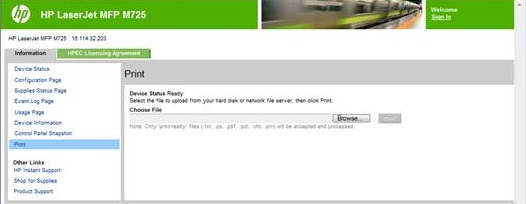
Access the device's web page
-
Go to the information tab
-
Select print
-
Click on search
-
Select the fih.prn file
-
Click on print
Related pages