
It allows to add NDD Print Host specific settings registry keys without accessing the Windows registry.
To add a setting
-
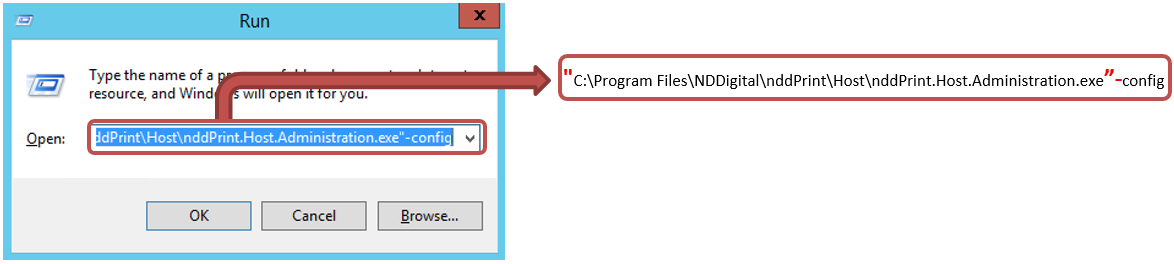
open the Run Windows
-
type "Installation directory\NDDigital\nddPrint\Host\nddPrint.Host.Administration.exe" -config
-
tab Windows Registry > Add
Enter the necessary data:
-
Name: It corresponds to the field "Value" from the available settings list;
-
Value: It corresponds to the "Possible values" from the available settings list;
For additions to take effect, you must close NDD Print Host, and click "Yes" when the message appears Do you want to save these settings?