
This section describes the procedure for importing the configuration for distribution to other printers.
Before you start
Make sure you have exported the settings
Setting up iWEMC
-
Select Data Management > Device Setting Values
-
Click on Choose file and select the previously exported file
-
Fill in the User and Password configured in the export
-
Click on Upload
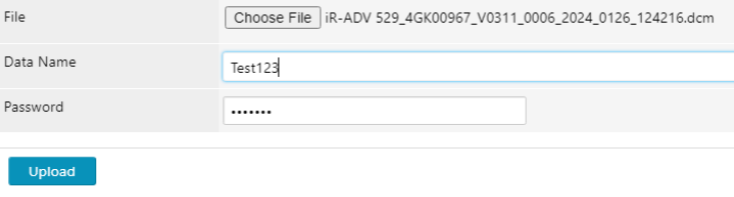
Device Setting Values
Setting up the configuration distribution task
-
Select Tasks > Task list
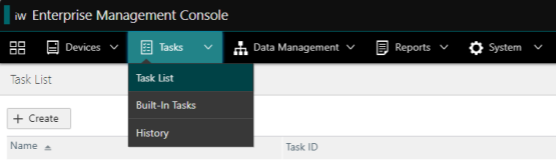
Task list -
Click the + Create button
-
Search for [Device configuration] Distribute
-
Now we have to configure the 3 tabs:
|
Scheduled |
|
|---|---|
|
Targets |
Select the group of printers or choose the printers individually so that the configuration is distributed |
|
Task-Specific Settings |
Select the configuration that will be distributed among the printers |
-
Click on Add
When this task is executed, the selected printers will be restarted. This procedure may take a few minutes.