
This section describes the procedure for adding and registering printers.
Before you start
-
Authentication and SNMP community are configured on the printers
-
The communication settings with the printers have been made
Add a printer
-
Select Devices > Device List
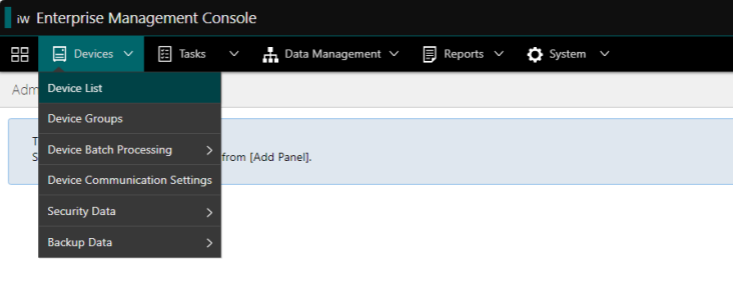
Device List -
Click on Add Devices
-
Fill in the printer address (IPv4 or Host Name), and click Discover
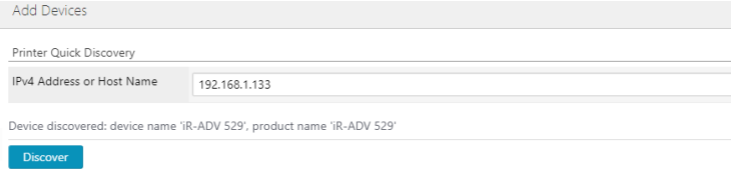
Add Devices
You can manage printers using a Group. Learn more.