Fail
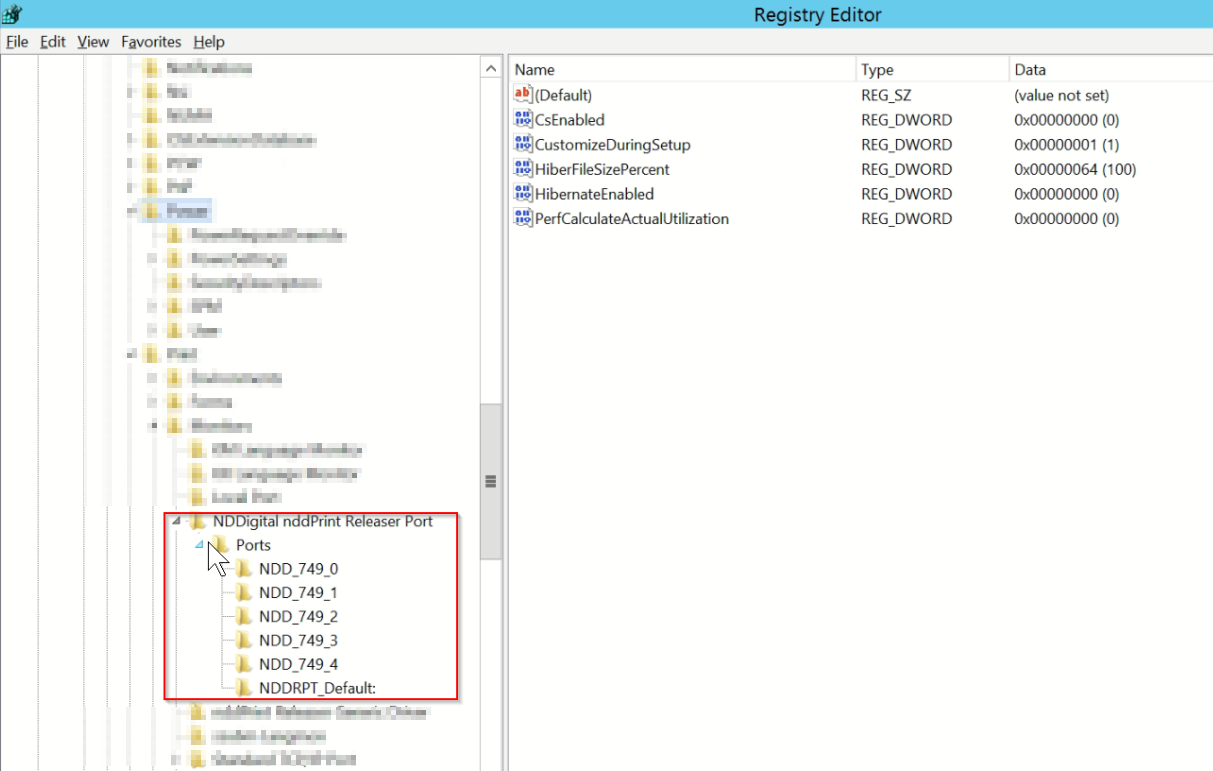
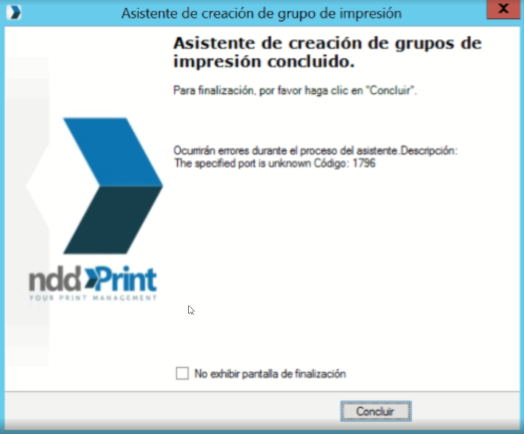
When trying to create a print group in NDD Print Releaser, an error screen appears stating that the specified port is unknown. Error code: 1796
Cause
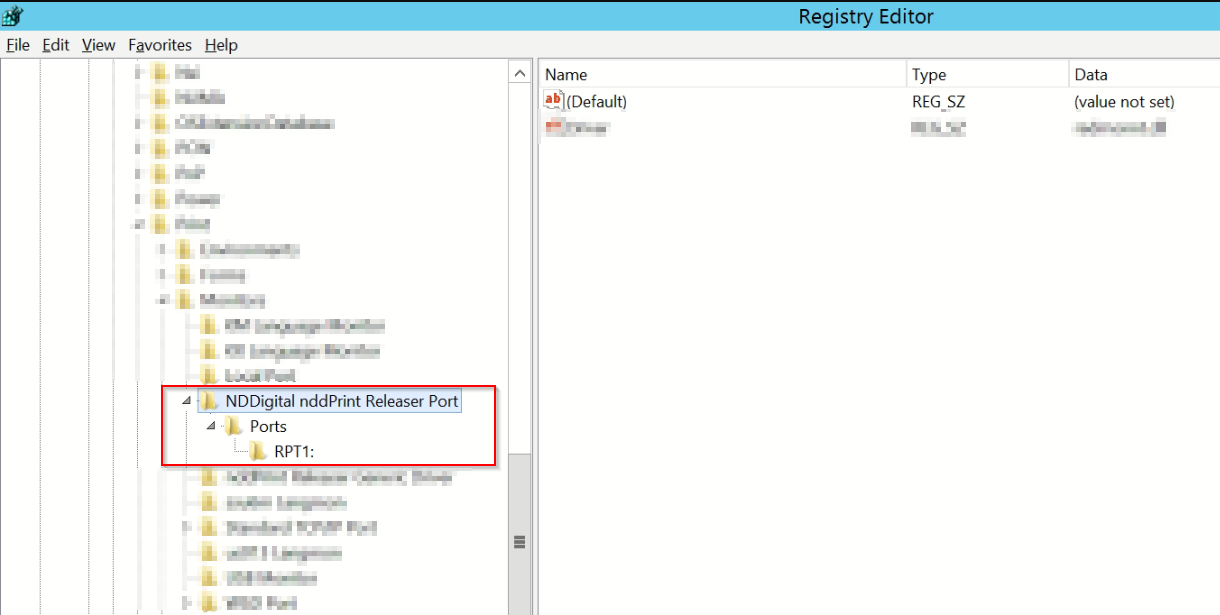
A NDD Print Releaser group was created, which underwent port administration via the Windows interface, causing the default port used to create the other groups to be changed. In the example screen, we had the RPT1 port configured as the default port.
Solution
-
Open the Windows registry (Regedit) and access the location described in the path Computer\HKEY_LOCAL_MACHINE\SYSTEM\CurrentControlSet\Control\Print\Monitors\NDDigital nddPrint Releaser Port
-
Delete the port that is listed
-
Restart the NDD Print Releaser service
-
After restarting the services, the ports should look like the image below: