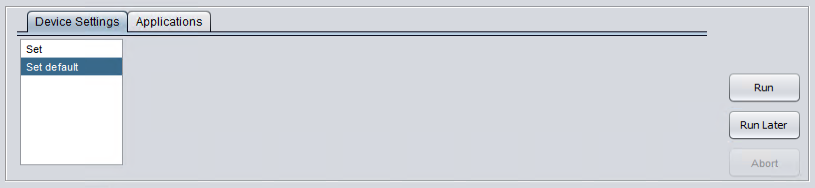
Locate the application to be uninstalled
-
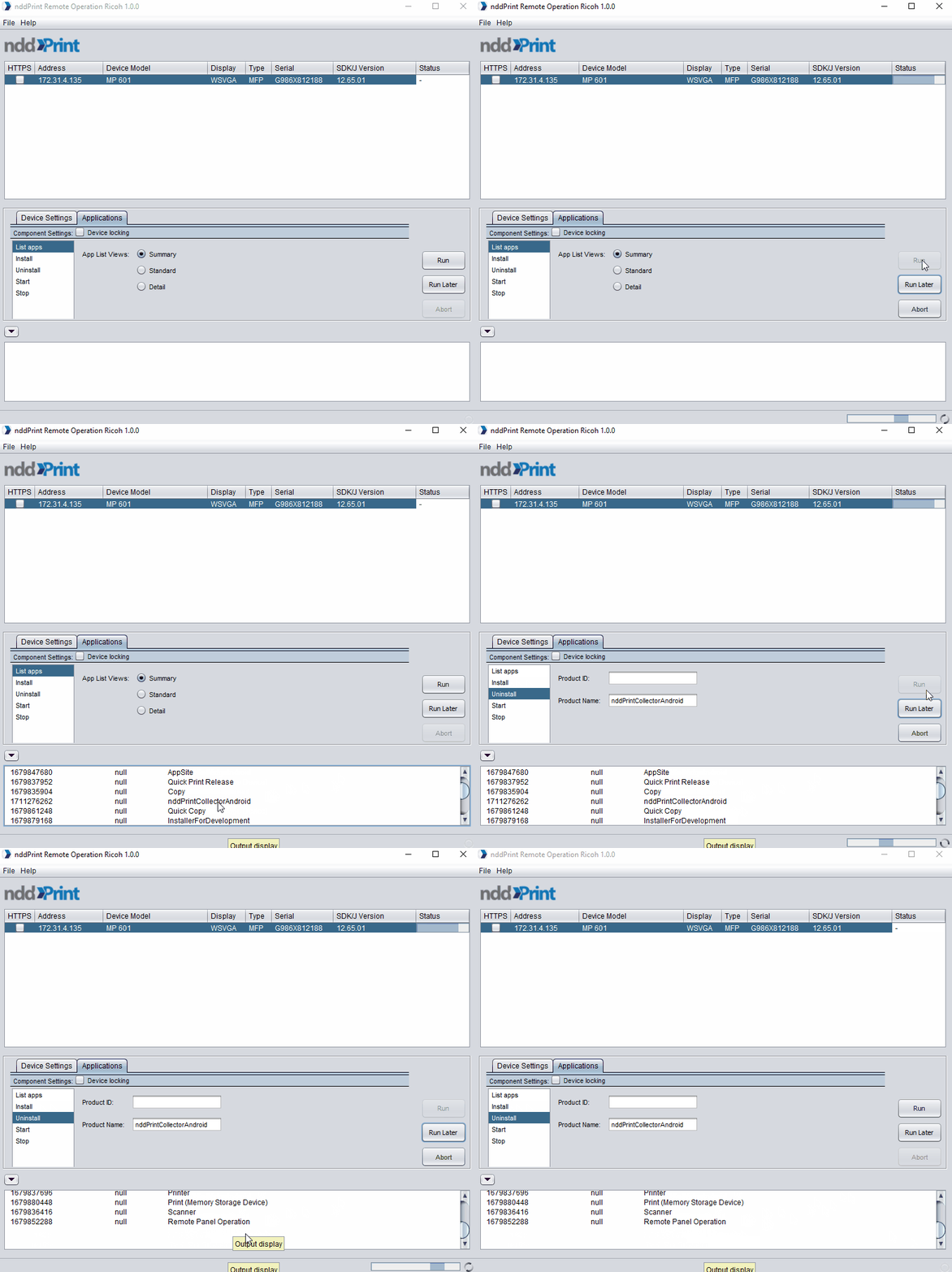
Select the desired printer;
-
Go to Applications > List apps;
-
Check the option Summary;
-
Click Run and wait until the list of installed apps is shown in the Log field;
-
Copy the Product ID or Product Name of the application to uninstall.
Uninstall application
-
Go to Applications > Uninstall;
-
Paste the Product ID or Product Name of application to uninstall;
-
Click Run;
-
Wait for the uninstallation process to finish.
Reverse the preparation
-
Select the desired printer;
-
Go to Device Settings
-
Select Set default;
-
Click Run;
-
Wait for the reverse process to finish.