Fail
When the document is released at the printer, the printout does not physically come out. We accessed Windows Print Management and found that the Queue of the printer where the document was released is showing as Offline.
Cause
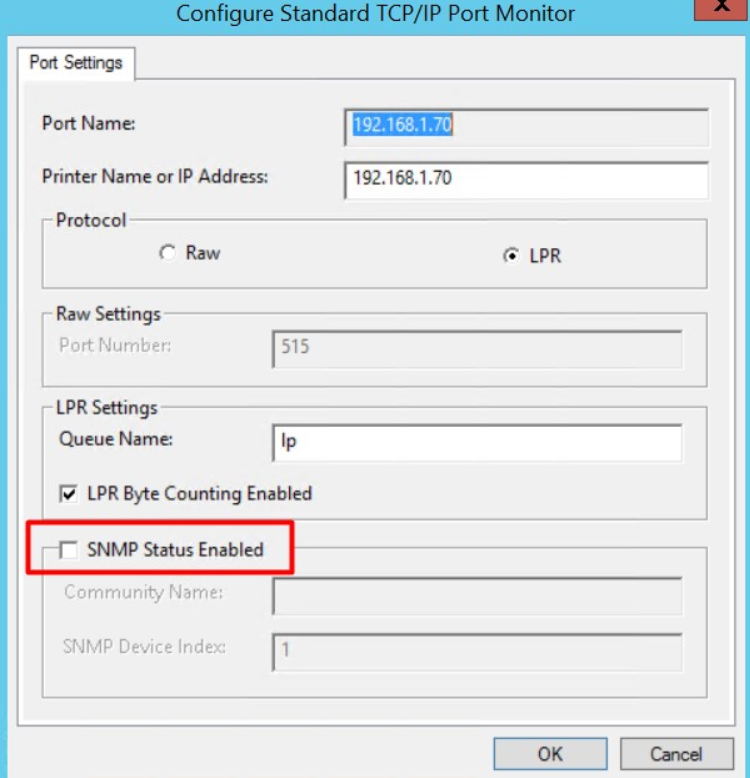
Option SNMP Status was active in the Driver of the device queue.
Solution
Disable SNMP Status by following these steps:
-
Go to Print Management
-
Locate the queue, right-click, Print Properties
-
Click on the Ports tab
-
Click on Port Settings
-
Uncheck the option SNMP Status Enabled