
Adding drivers is only possible through the Add Printing Groups wizard.
To add a driver > side menu Print groups > action Add > enter group data > keep the option Create generic print queue disabled > on Driver selection > Add
Please inform the necessary data as requested by the wizard, considering:
Step 1
Processor: Select the processor of the computers that will use this driver.
Step 2
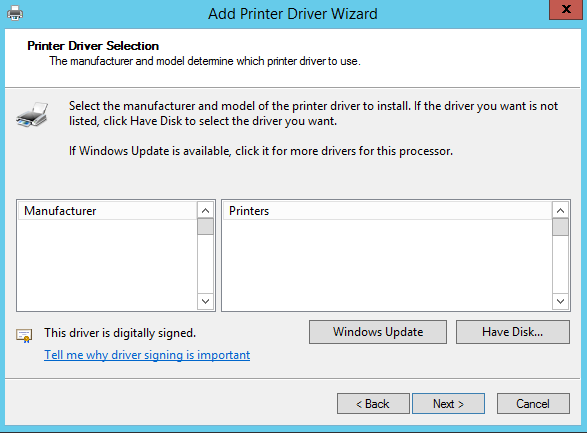
Selecting the Printer Driver:
-
Manufacturer: Select the manufacturer;
-
Printers: Select the Printer model.
ATTENTION
Drivers with version 4 architecture are not supported in the Releaser's print groups. For more information about this version, access this link.