The n-MF Lexmark installer, in addition to install, also has the update function. If the installer detects that a previous version is already installed, it will execute the update and will only update the files, without modifying the settings already performed in the application.
-
A warning will be shown, informing that the application will be updated.

-
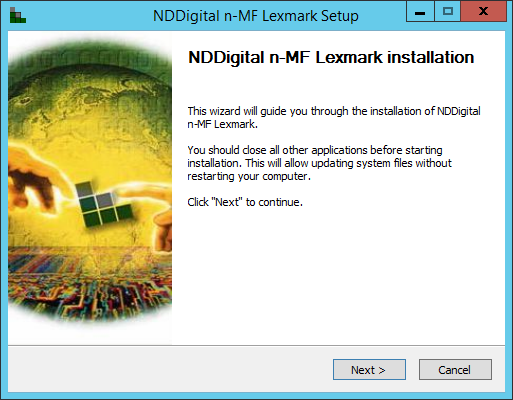
Following, it will open a Welcome interface. Close all other applications before proceeding with the installation and then click Install.
-
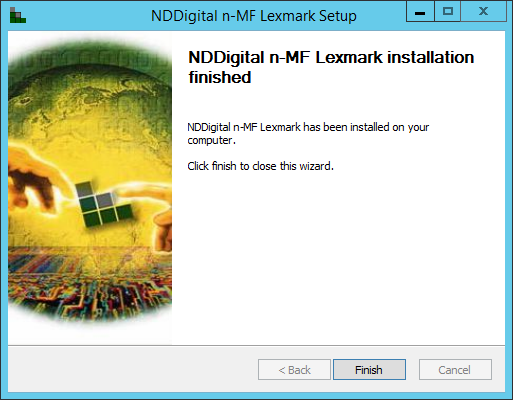
Once finished, the wizard will confirm that the product was installed. click "Finish" to finish the update process and close the Wizard.