
-
Access the HP Command Center
-
Open the managed printer on which the Workpath app is installed
-
Access the “Installed Apps” or “Installed Solutions” section
-
Select the app for which you want to collect logs
-
Click Download Log
-
In the Installed solutions on this device section, locate the desired app
-
Click Generate logs
-
Wait for the logs to be generated
-
Once complete, download the file provided.
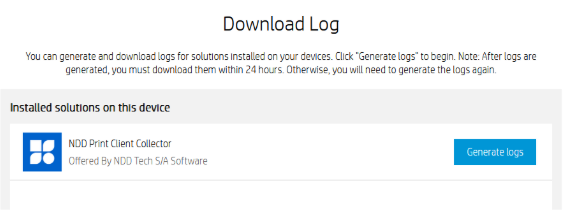
After the logs are generated, they must be downloaded within 24 hours.
If this time limit is exceeded, you will need to click Generate logs again to generate a new file.