
Shared Documents are the documents that a user specifically shared with another user, making possible to the user which received the sharing to obtain the right of print the document.

The shared documents will be available and can be removed or not, according to the settings chosen in the sharing moment, to know more about how to share a document, consult the nddPrint Releaser WEB product manual. In the interface of shared documents, the user interacts through the following actions: print, conversion to Mono and Duplex, visualize the amount of copies, document name, owner name, pages number, values (when enabled), date, values and printers exchange.
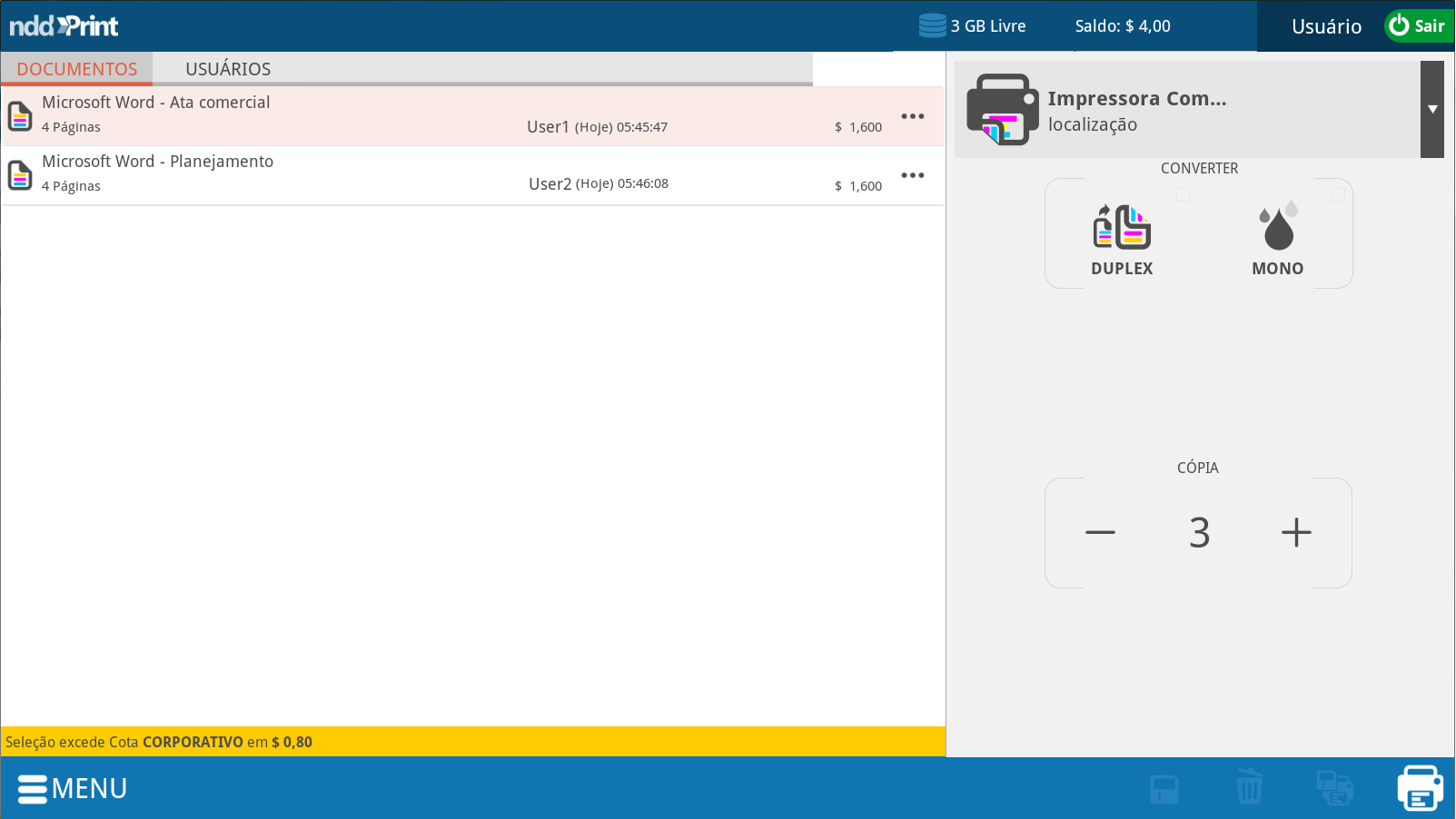
To accomplish the navigation between shared documents or user that shared the documents just click the buttons:

To navigate between the users, utilize the icon. To go back to the users' initial interface, click on:

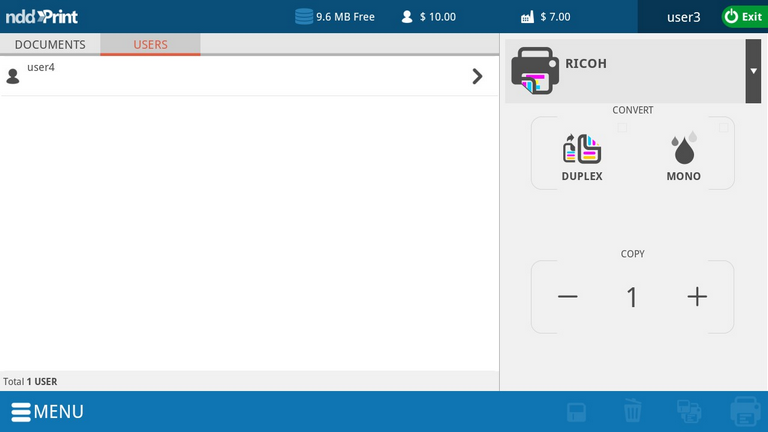
To go back to main menu, just click

To accomplish the application logoff, click
