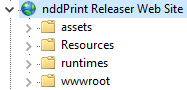
In this article, you will learn how to hide the address and serial number of printers in NDD Print Releaser Web. This functionality provides increased security, reducing the risk associated with using printer information.
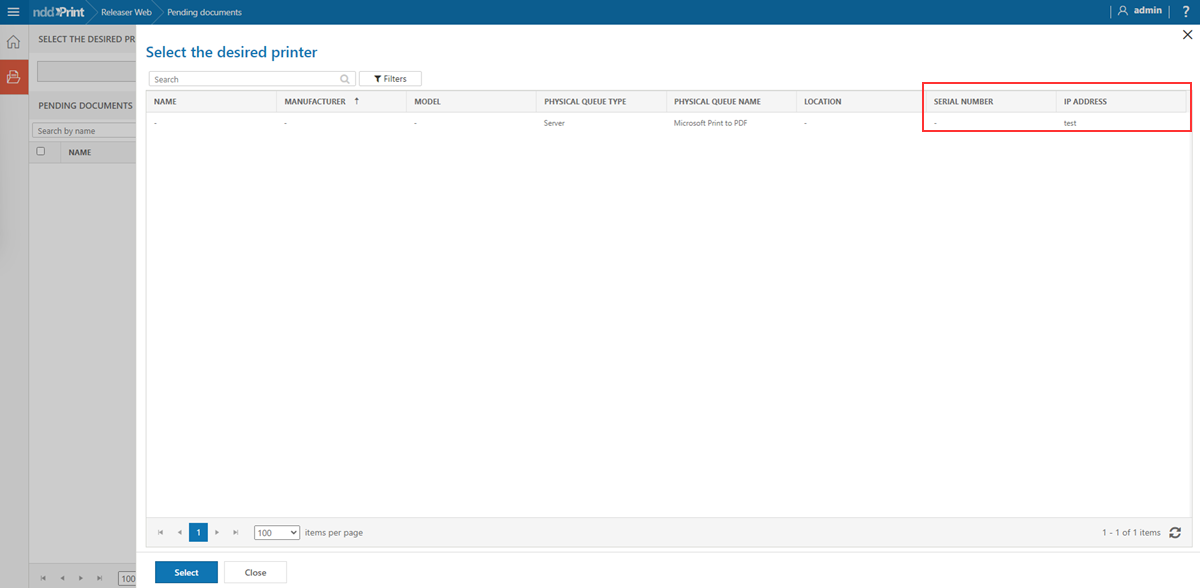
Before you start
Only administrator users can perform the configuration.
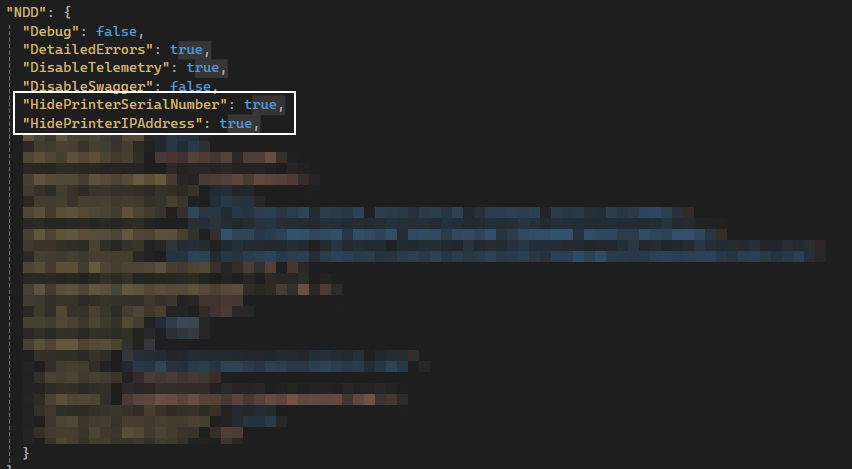
The configuration is done by changing the appsettings.config file of NDD Print Releaser Web. There are two properties:
-
HidePrinterIPAddress- This property hides the IP address of printers. -
HidePrinterSerialNumber- This property hides the serial number of printers.
-
Go to the NDD Print Releaser Web installation folder
The default folder is: C:\Program Files\NDDigital\nddPrint\Releaser Web\Portal
-
Open the
appsettings.configfile as administrator -
Look for the setting you want to enable to hide the information
-
Change its value to
true -
Save and close the file
-
Restart the NDD Print Releaser website in IIS