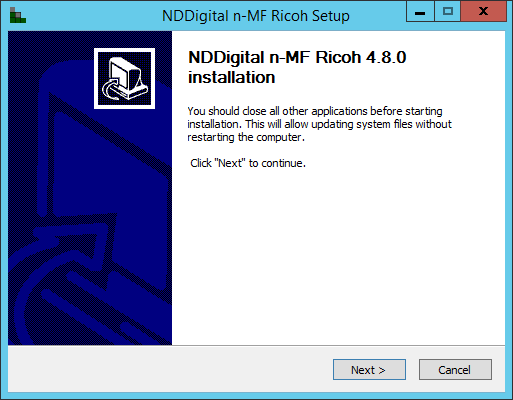
By running the installer, the Wizard will help you in the installation of the n-MF Ricoh. It's recommended that, during the installation, you close all other applications.
In this interface, click Install to start the installation.
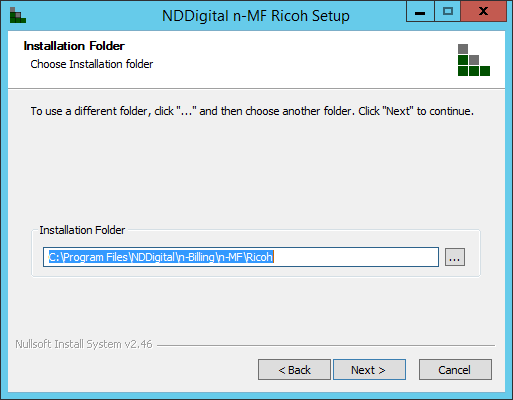
Next, it is necessary to set the directory address of where the n-MF Ricoh will be installed at. By default, it's suggested the directory: C:\Program Files\NDDigital\n-Billing\n-MF\Ricoh. After configuring the directory, click Next.
Set up the IP Address of where the n-Host or nddPrint Host is installed on. Type in the IP Address of the server and click Next.
If the Host is installed in the same machine as the n-MF, this interface won't be shown.
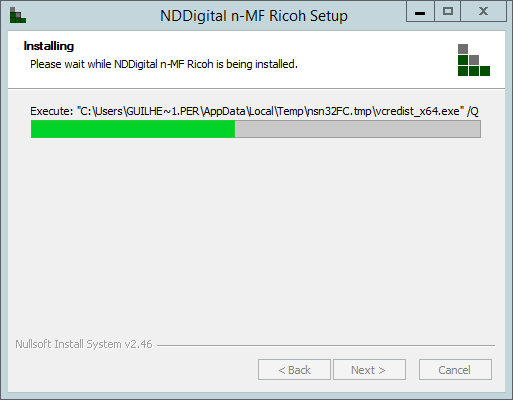
Wait while the installer copies the necessary files.
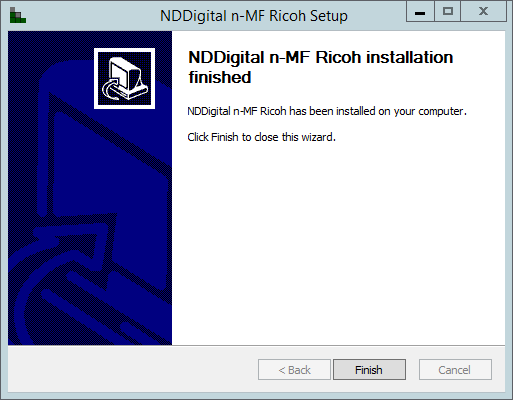
Once finished, click "Finish" to close the Wizard.