
Accessing the application
To access the application, touch the icon identified as NDD Print 360.
Authentication
Below, we will demonstrate some forms of authentication in the HP Workpath NDD Print Client.
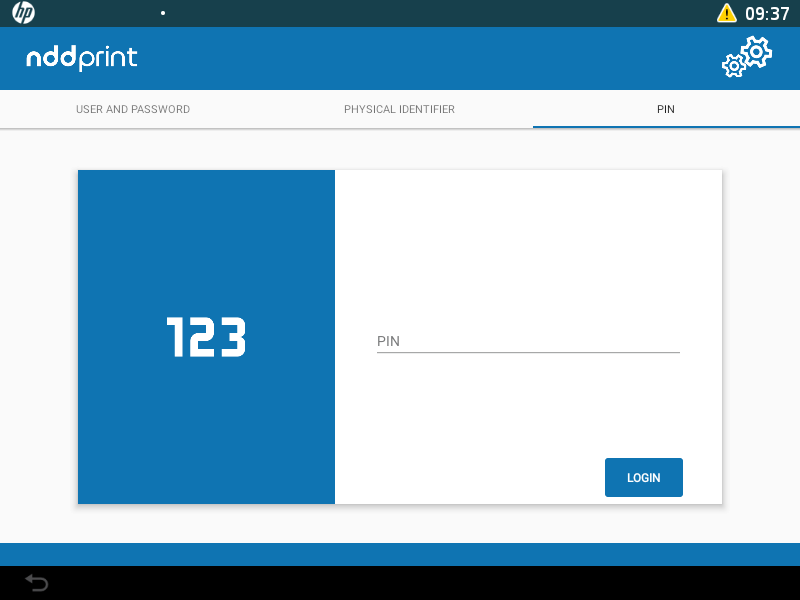
PIN authentication
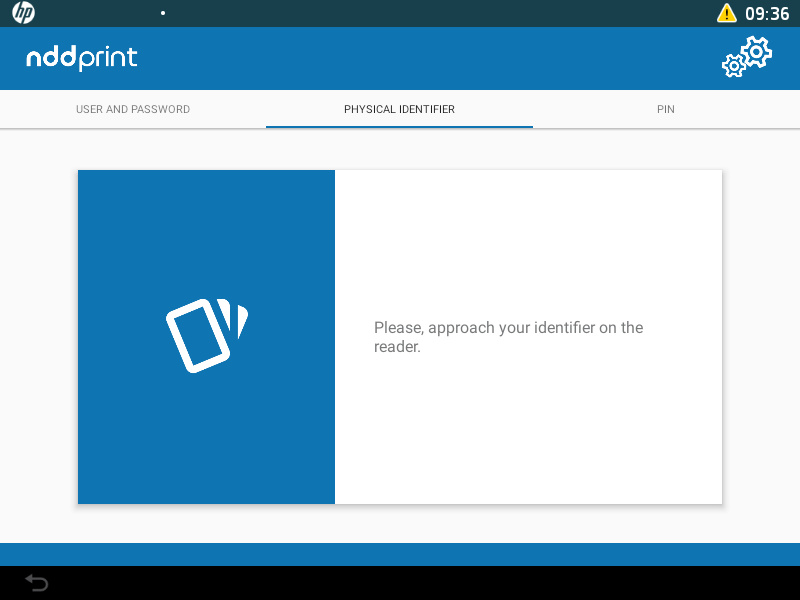
Physical identifier authentication
Due to HP firmware limitations, the USB reader service may occasionally fail after a printer reset. If this happens, restart the printer again.
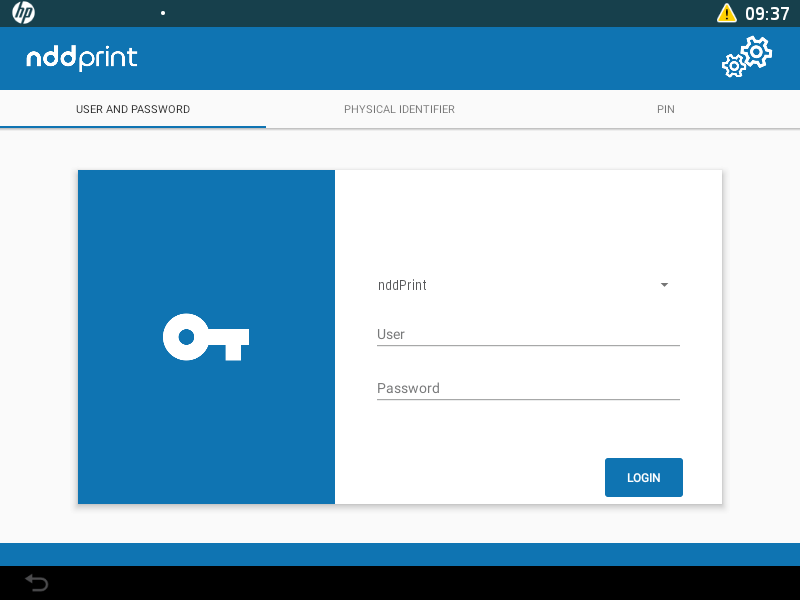
User and password authentication
After informing the requested data, just click on Login.
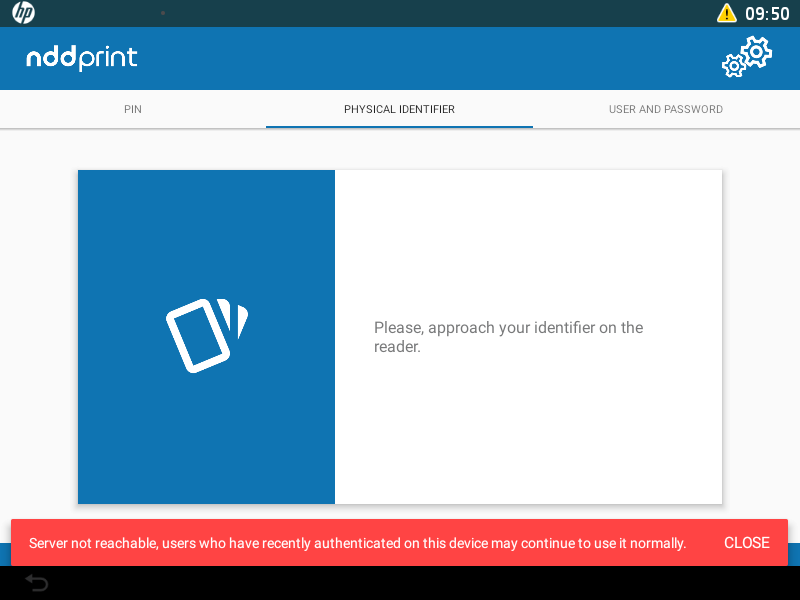
Authentication in Contingency Mode
In cases where the printer loses communication with the configured server, this form of authentication will only give access to the native functions (copy, email, scan and fax).
Authentication with Microsoft Entra ID
Currently, there are three methods available for authentication in our embedded solutions: User and Password, PIN, and Physical Identifier. However, when you choose to integrate a Microsoft Entra ID domain, only the PIN and Physical Identifier options will be available for authentication.
Related pages