
It allows to inform, at the time of the printing, if the purpose of the document is corporate or private.
-
Corporate: In this case might be requested to select an account to which this document will be accounted, being that you're required to select one to be able to print.
-
Private.
|
💡 EXAMPLE In the example below the user was asked to set the purpose of his printing. 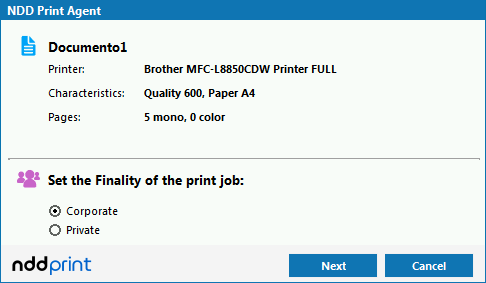
|
If the print finality is configured as corporate it is possible to inform, at the printing time, which account/project/process the document belongs. This feature is used to group the print jobs costs in specific accounts defined in NDD Print Portal 360.
|
💡 EXAMPLE In the example below the user has been requested to inform which account / project / process the document belongs to. To do this, just click on "Search" and select the desired option. 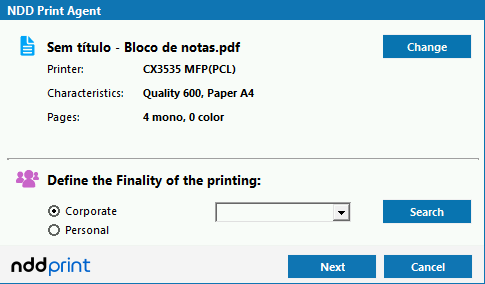
|